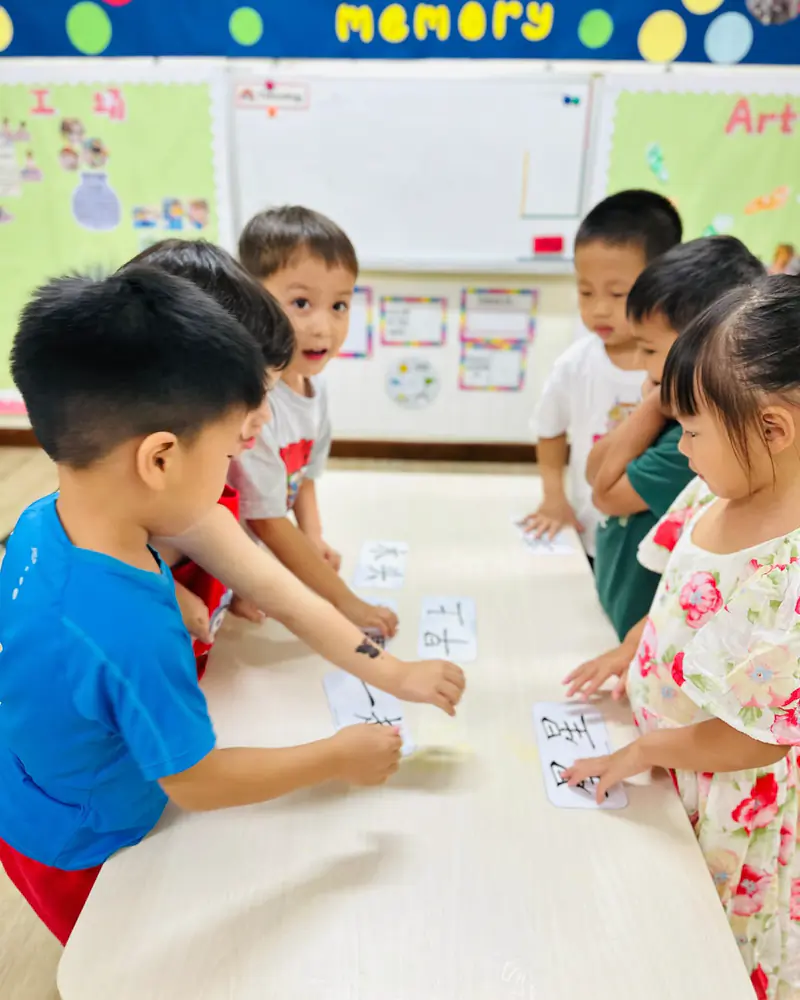
When parents hear that a preschool teaches coding, many picture toddlers lined up in front of tablets. For children under six, good early coding looks nothing like that. It looks like a child telling a parent exactly how many steps to take across the living room, then laughing when the parent walks into the sofa.
What young children learn is a way of thinking. They practise breaking a task into steps and putting those steps in order. When something goes wrong, they look for the mistake and fix it. These skills are useful whether or not a child ever writes a line of software, and they can be learned on a rug or in a playground or a kitchen.
What coding means at this age
At its heart, a computer program is a list of precise instructions in a particular order. For preschoolers, the big ideas behind that can all be explored with their hands and bodies:
- Sequencing. Putting steps in order. Socks go on before shoes.
- Algorithms. A set of steps that solves a problem. A recipe is one example. The route to the playground is another.
- Loops. Repeating a step. "Clap twice" is a tiny loop.
- Conditionals. If this happens, then do that. "If it rains, we take the umbrella."
- Debugging. Finding and fixing a mistake when the steps do not work.
None of this needs a screen. Young children usually grasp these ideas best when they can move their own bodies or handle real objects.
A Singapore idea with some history
Singapore has been interested in early tech play for some time. In 2015 the Infocomm Development Authority, which later became part of IMDA, launched the PlayMaker programme to bring technology-enabled toys into preschools. The toys included small programmable floor robots, and the aim was to help children build skills such as logical thinking and sequencing through play.
Unplugged coding games for home
Robot parent
You are the robot, and your child is the programmer. You can only move when given exact instructions such as "Step forward. Step forward. Turn left." Do exactly what they say, even when it is wrong. When you walk into the sofa, they have to work out which instruction was the mistake and fix it. Children find this hilarious, and it teaches precision better than any explanation.
Treasure map
Hide a toy and draw a simple map with arrows on paper. Two steps forward, turn right, then two more steps. Then swap, so your child hides the toy and draws the map for you. Floor tiles make a ready-made grid. Start with a small area of three tiles by three and make it bigger as your child gets confident.
Sequencing cards
Draw or photograph the steps in a familiar routine. Brushing teeth works well, since every child knows it. Mix the cards up and ask your child to put them in order. Then try leaving one out, or slipping one into the wrong place, and see if they can spot the bug.
Pattern loops
Make patterns with beads or blocks. Claps and stamps work too. "Red, blue, red, blue." Ask what comes next. Then introduce the idea of a loop by saying "repeat red then blue" as a short way of describing the same pattern.
If-then games
Play a version of Simon Says with conditions. "If you're wearing blue, jump. If you have a sister, touch your nose." A traffic light game works too. Green means run. Red means freeze until the light changes again.
Cooking as code
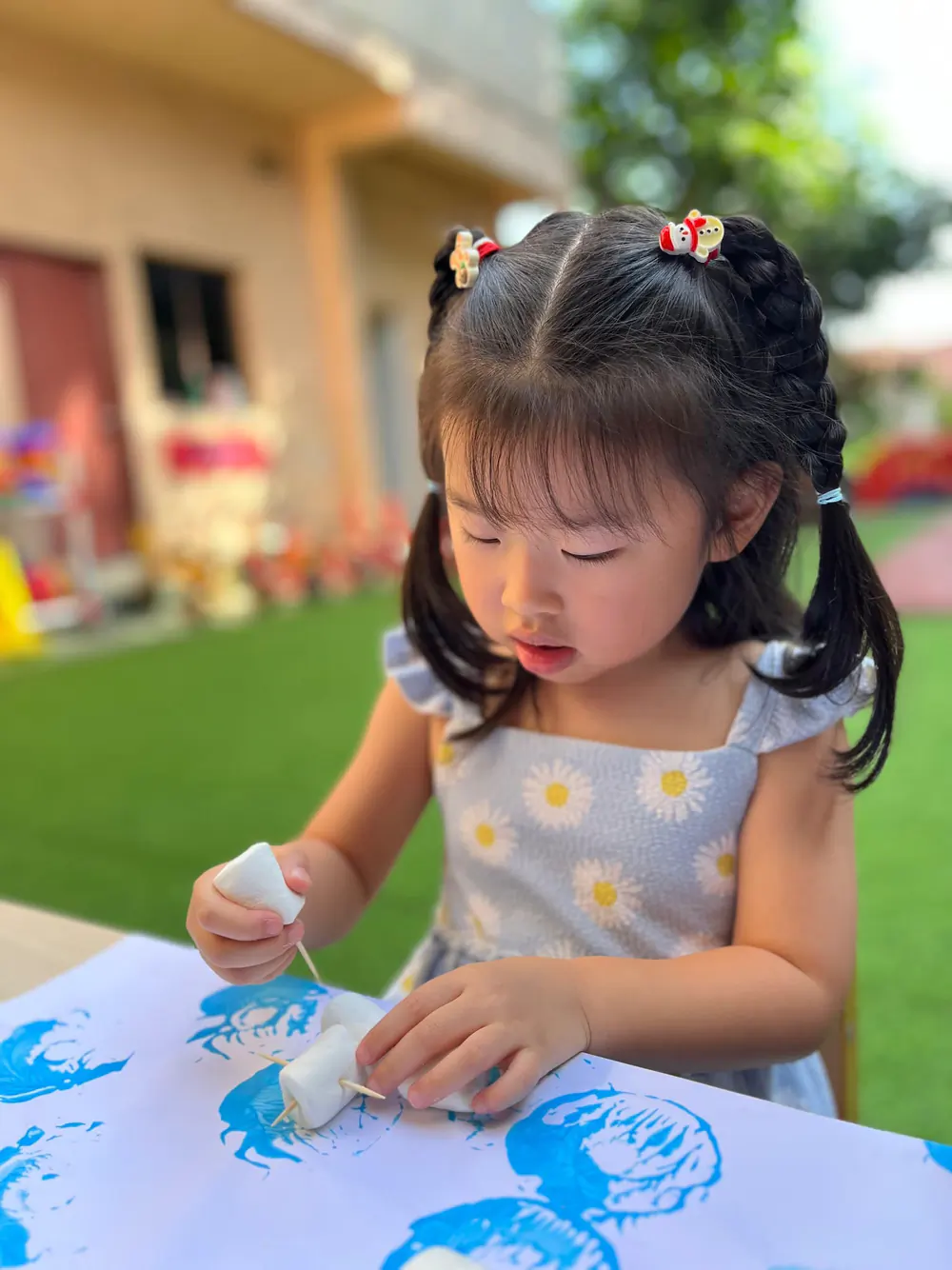
A recipe is a program. Read through a simple one together, perhaps for fruit skewers. Talk about why the order matters. What would happen if we tried to spread the butter before taking the bread out of the bag?
Why debugging matters most
The most valuable part of early coding may well be debugging. When a sequence goes wrong, children practise finding the mistake and fixing it. They learn that getting something wrong is a normal step on the way to getting it right.
Try not to fix things for them. Ask "Where did the robot go wrong?" or "Which step should we change?" Then let them test their idea, even if you can see it will not work. Watching a plan fail and then repairing it is the whole lesson.
Coding and self-control
Coding games ask a lot of a young child's patience. A child playing robot parent has to wait for the robot to finish before giving the next instruction, and has to hold the whole route in mind while they do it. Treasure maps make children plan ahead instead of rushing for the prize. These are hard skills for a four-year-old, which is part of why the games are so worthwhile.
This links closely to executive function, the set of mental skills that help children hold a plan in mind and change tack when it fails. Our page on executive function explains why these skills matter so much for school.
What about coding apps?
There are plenty of coding apps aimed at young children, and some are well designed. At this age, though, handling real objects tends to make the ideas easier to grasp. Screen time also adds up quickly over a day. If you do use apps, sit with your child for the whole session and keep it short. Balance it with plenty of unplugged play. Our earlier article on screen time for preschoolers covers the wider picture.
Signs your child is ready for more
Most three-year-olds enjoy simple sequencing games like the ones above. By four and five, many children can handle longer sequences and spot their own mistakes. You might notice your child:
- Giving you step-by-step directions without being asked.
- Correcting you when you get a routine in the wrong order.
- Inventing patterns and asking you to continue them.
- Wanting to try again straight away when something does not work.
That last one is worth celebrating whenever you see it.
Code Play at Shaws
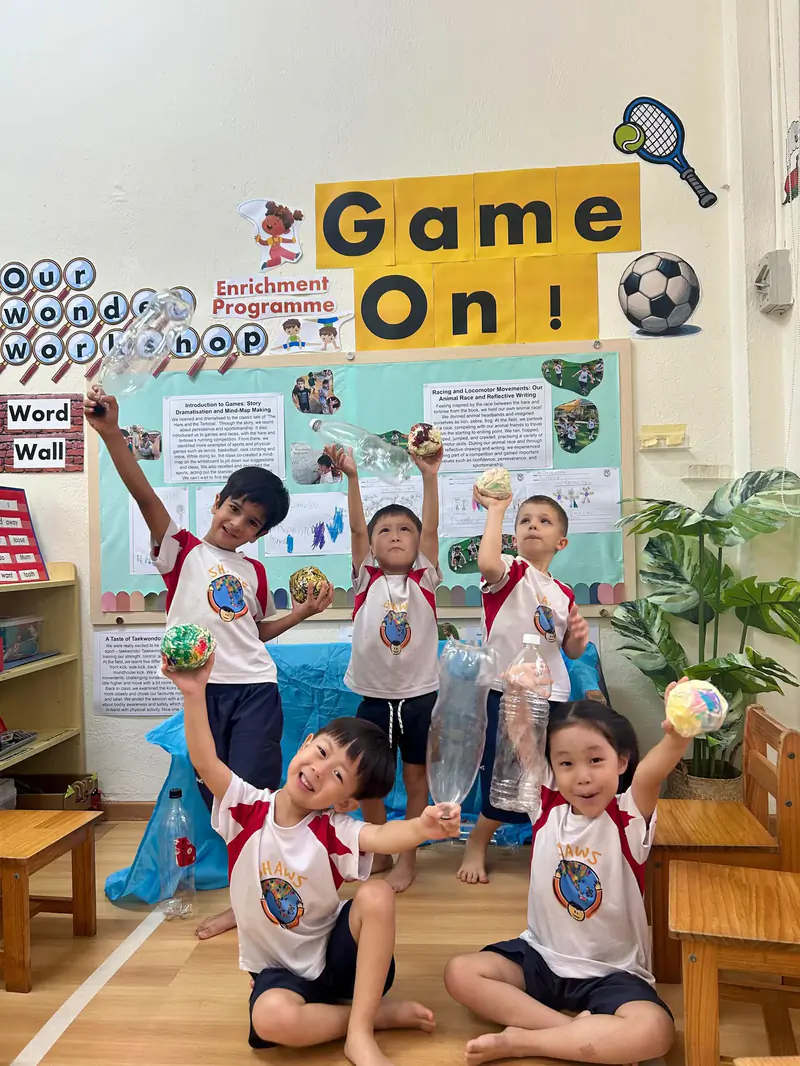
ShawsPlay Club, our afternoon programme for children who don't nap, includes Code Play. It is screen-free coding with tactile robots, and it is included in the school fees. There is no screen time for children in N2 and K1, and only limited exposure at K2. Sequencing and debugging also turn up in project work that runs across days, and in our weekly S.T.E.A.M. sessions, where children are encouraged to solve problems like engineers.
If you would like to see how we teach thinking skills without screens, book a tour of the campus nearest you. You can also send us an enquiry to ask about the curriculum for your child's age.